 Baper Rasta
BAPER RASTA / How to play & controls
How to Play Baper Rasta: Keyboard & Touch Controls
Your electric rickshaw is small, the traffic is busy, and the damage bill keeps growing. Learn the controls before taking on Dhaka’s streets.
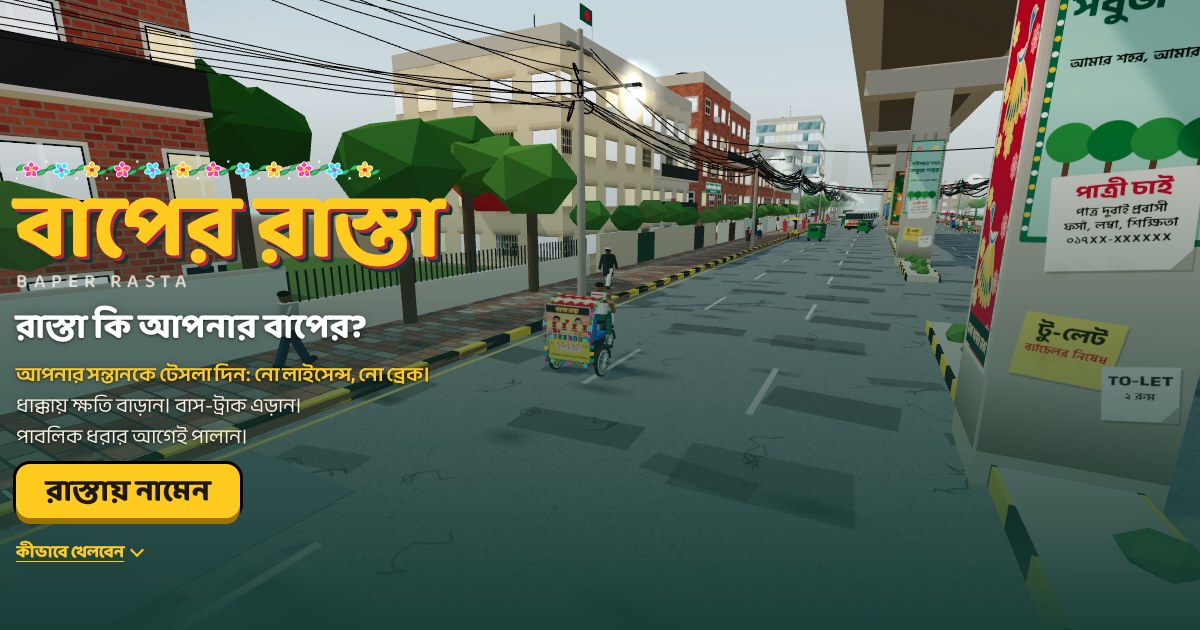
Baper Rasta controls
Use W or ↑ to accelerate, S or ↓ to brake, and A/D or ←/→ to steer. Hold Shift or Space for a boost. H sounds the horn and M switches the game sound on or off. Boost also moves the rickshaw forward, so you do not need to hold the accelerator at the same time.
Start a run and build your score
Press “Hit the road” on the start screen. Collisions with smaller vehicles, roadside objects and shops increase the fictional damage total. The score measures damage rather than distance. The newspaper at the end of a run shows what happened and offers another try.
Buses, trucks and the pursuing crowd
Avoid buses and trucks: a collision with these heavy vehicles ends the run. Watch for the red warning beneath them. Pedestrians can start chasing after the chaos you cause. Keep moving and leave room to turn before the crowd reaches you.
Recharge and clear trouble
Watch the battery meter. Stop in a yellow charging area to replenish the battery. Pink areas mark the sergeant interaction shown in the game’s rules. These are fictional elements of the satire; read the on-screen prompts as you approach.
Touch controls and keyboard combinations
On a phone, steer with the left and right buttons and use the accelerator and brake on the right. Separate buttons handle boost, horn and the sound bomb. If your keyboard misses simultaneous arrow and Space inputs, use Shift for boost or release the accelerator while boosting.
What happens to a record?
Records on this edition stay in the current browser. English, Portuguese and Bengali share those records on the same device. Private browsing, clearing site data or moving to a different browser can remove or separate your scores. There is no global online leaderboard here.