 Baper Rasta
BAPER RASTA / Play on mobile
Baper Rasta on Mobile: Touch Controls & Home Screen Play
Baper Rasta runs in a mobile browser with on-screen steering, pedals and boost. You can also add it to your home screen where your browser supports installation.
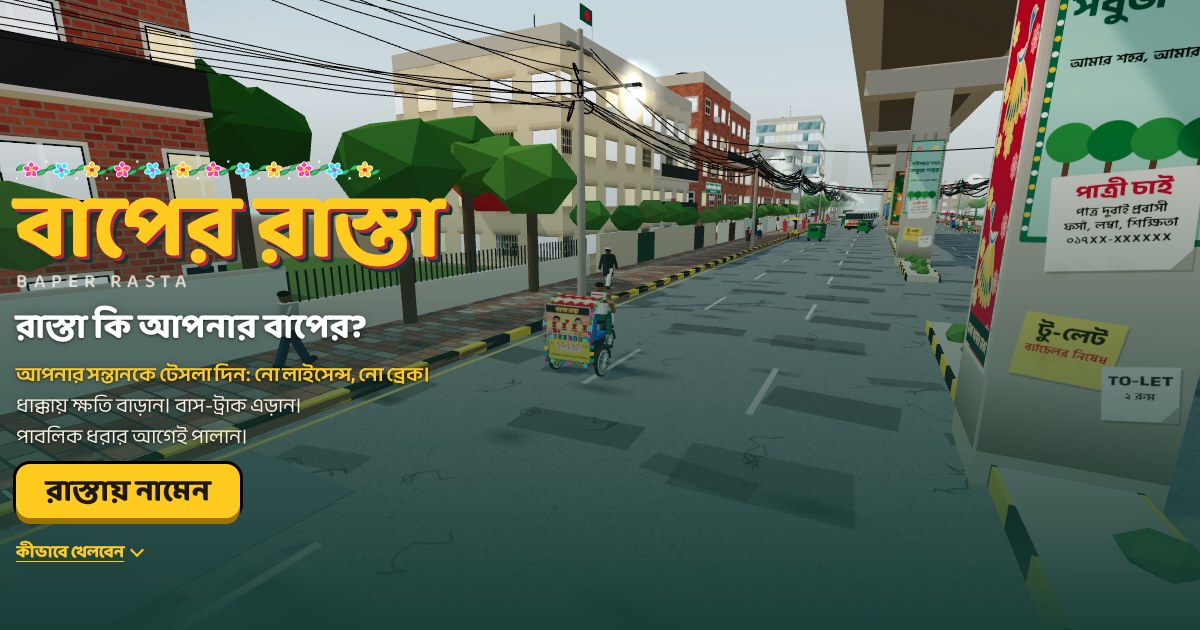
Start with a full first load
Open the game with an internet connection and let the city finish loading. The first visit downloads the engine, fonts and sound assets. A modern browser with WebGL support is needed to draw the 3D city. If the page offers a loading retry, use it after checking the connection.
Get comfortable with touch controls
The left-hand buttons steer; the right-hand pedals accelerate and brake. Boost sits near the pedals, with horn and sound-bomb buttons on the other side. Try a short run before aiming for a record. Keep both control groups clear of your browser’s navigation gestures.
Add Baper Rasta to your home screen
Use the install button when the game offers it. On iPhone or iPad, open the browser’s Share menu and choose Add to Home Screen if available. On Android, look for Install app or Add to Home screen in the browser menu. The wording depends on the browser.
What offline play needs
This edition caches game assets after a successful visit. Offline play needs that download to finish first, and browser storage must still be available. It will not work on a first visit without a connection. Clearing site data removes cached files and can also remove your records.
If the city is slow or the screen is blank
Close other demanding tabs, check that the browser is current and try reopening the page. The 3D scene can be demanding on older phones. If an in-app browser has trouble, open the link in your main browser. Keep sound off when you do not need it.
Records and language on your phone
Use the language menu to switch between English, Portuguese and Bengali. Records stay with this browser on this device. Adding the game to the home screen does not create an account or upload a global leaderboard.